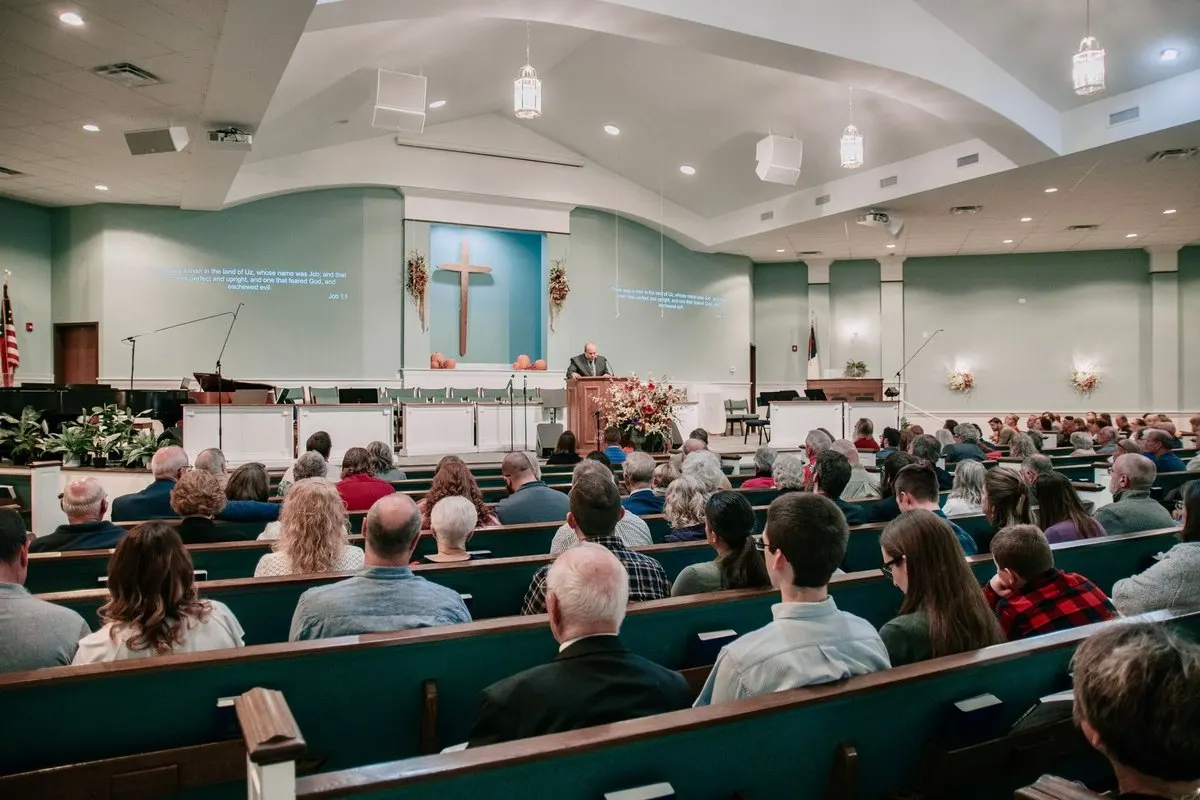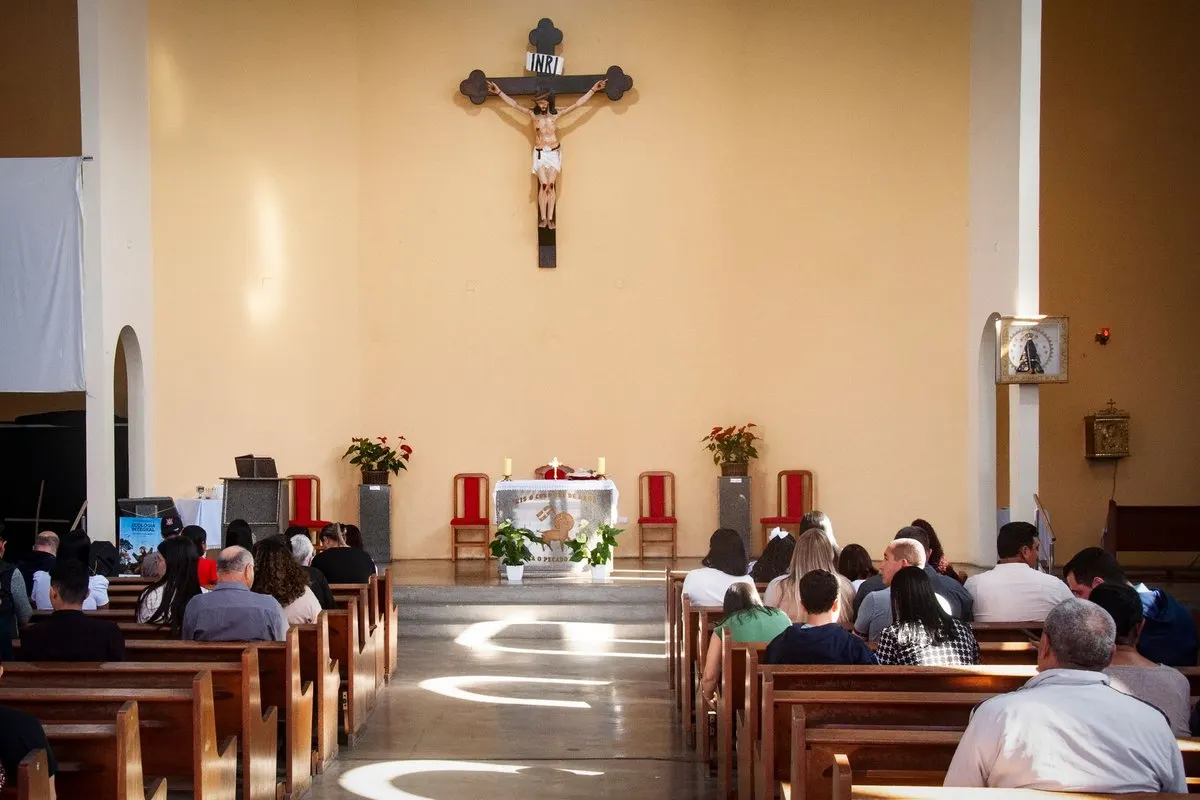
A visitor finds a seat in your church and receives a warm welcome. When the sermon begins, they realise they cannot understand the language. They have a phone; your team has a microphone. The task is to connect those two things so they can follow the message without spending the service setting up an application.
You can deliver church service translation to listeners’ phones. With MoriahTech IA, the team sends the preacher’s voice into a translation session and shares a public QR code or link. Visitors open their browser, connect headphones and start playback. Their phone receives the translation; the team prepares the source audio.
Two different ways to translate with a phone
In one approach, each listener uses their phone microphone to capture sound in the room. In the other, the church prepares a shared speech source and distributes its translation through a link.
Google describes listening, conversation and text modes in its live voice translation help. Availability depends on the device and feature. Translating a conversation does not establish how a tool will perform from a pew during a sermon.
Scroll the table to see every column.
| Approach | What the phone does | What to check |
|---|---|---|
| Individual translation capturing the room | Picks up sound through its microphone | Speech, noise, distance and feature availability |
| A church-operated session | Receives translation from a shared source | Input audio, connectivity, access and understanding |
Start with your situation: an occasional visitor needing personal help, or a group listening every week? A shared session lets you prepare common instructions and check access before visitors arrive. See the service route on the church translation page.
What visitors need and what the church prepares
Visitors need a suitable browser, connectivity and headphones to listen to audio. They can also read captions. Rehearse both options: reading a screen and listening to a voice serve different needs.
The church needs an operator, a device with a browser and clear audio input. Where equipment is compatible, the sound team can send the preaching microphone’s signal to that device. Check connections and levels with the technician. A USB cable or matching adapter does not prove that the correct signal reaches the browser.
The source voice should be intelligible before translation. Fix distorted or distant audio first. The church audio troubleshooting guide helps locate the issue instead of changing settings at random.
Prepare access in five steps
- Choose a concrete need. For example, Spanish preaching and visitors who need Romanian. Ask people which language they require rather than inferring it from nationality.
- Test the preacher’s signal. Select the correct input and allow microphone access in the operator’s browser. Listen to speech at normal and typical sermon intensity.
- Set source and target. The catalogue includes Romanian, Spanish, Catalan, English, French, Portuguese, Italian and German. A session delivers one target language. Discuss configuration and capacity before offering several simultaneous targets.
- Share listener access. Display the session QR code, its target language and a readable alternative link. Keep the private operator address within the team.
- Join from another phone. Use a helper’s phone without the operator account signed in. Connect headphones, start playback and listen where a visitor will sit.
The church translation setup guide covers the complete equipment rehearsal. Here the priority is helping a newcomer join and understand without continuous assistance.
Test understanding as well as volume
A fluent voice can sound convincing while changing meaning. Ask a bilingual reviewer to check a representative passage with a name, Bible reference, number and negation. Then ask the listener to explain what they understood.
Use this invented rehearsal text to check those details:
Today we read Luke 15, verse 4. Ana will bring twelve notebooks on Saturday at ten. We will not change the meeting location.
Check the reference, name, quantity, time and negation. This exercise does not measure the quality of an entire sermon. It helps identify errors to address before expanding the rehearsal.
Test a pause and resumption. Check screen locking and application switching on the phones you intend to use; behaviour depends on the device and browser. Translation involves delay, so do not promise fixed latency for every service.
Make the first minute easy
A short instruction beside the QR code is more useful than a technical paragraph. Adapt this message to your visitors’ language:
To listen in Romanian, scan this QR code, connect your headphones and start audio on the page. Ask the welcome helper if you need assistance.
Share instructions before the service starts. Keep someone available to help. For a visitor without a suitable phone, agree on a tested loan device, written material or bilingual assistance. Do not assume everyone can comfortably read captions.
The multilingual church welcome guide covers support before and after the message.
Starting costs and choosing capacity afterwards
The MoriahTech IA trial lasts 14 days without a card, with 180 total minutes, three sessions, up to 120 minutes per session, 25 listeners per session and one concurrent session. The five-minute technical check uses minutes but does not count as a session. Include other rehearsals in the available capacity.
Start with two listeners before inviting the wider group. This does not establish that the network supports a paid plan’s audience capacity; check that load separately.
Monthly plans start at €19 with 300 minutes and up to 50 listeners per session. Church and Pro increase minutes and audience capacity; Pro also increases concurrency. Monthly plans have no commercial limit on service count or maximum duration per service, subject to the minute balance and account safety limit. Compare the complete church plans before choosing.
A hypothetical programme of four 45-minute sermons totals 180 minutes. With twelve listeners and one session at a time, it fits the stated Basic limits if rehearsals and other translated sections do not exhaust the balance. This is not a customer case or a savings estimate.
Rehearse with your own congregation
Start small: one preacher, an authorised passage and two people listening on their phones. If they can join, understand the details and ask for help, you have a concrete basis for deciding.
Create your account and prepare the first rehearsal. Use the voice and devices you expect on Sunday. Arrange suitable human support for sensitive pastoral conversations or situations where an error could have important consequences.