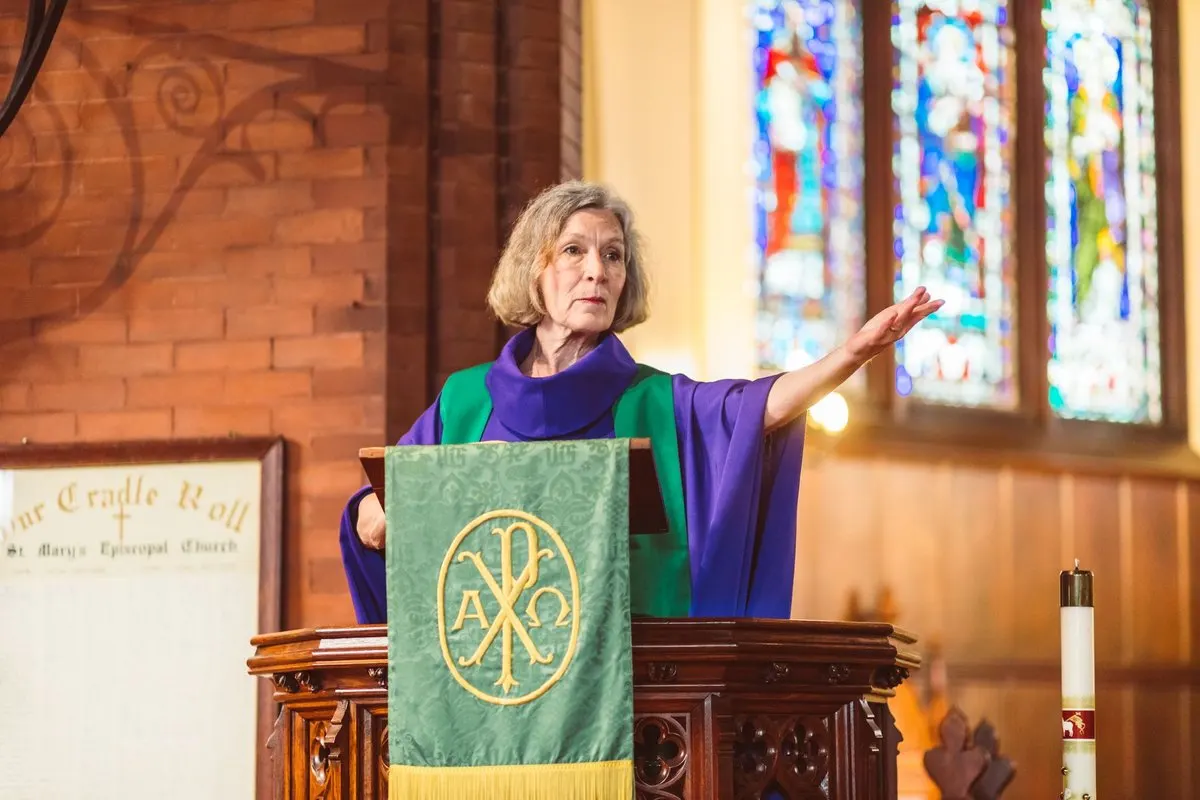
The preacher finishes a question and part of the congregation responds. A person listening to translation is still hearing the previous sentence. Even with sound in their earphones, they can feel excluded from the shared moment.
To check simultaneous translation delay, listen on a phone in the room and compare a complete sentence with its translated version. Observe whether the gap stays steady, grows or comes with interruptions. Then check speech input, connection and playback separately.
No universal number guarantees a good experience in every church service. What matters is whether people can follow the message, understand instructions and participate. This guide provides a short rehearsal and a sheet to help decide what to fix before Sunday.
Distinguish delay, dropouts, echo and blocked playback
“It isn’t working properly” gives the operator little to act on. Start by describing what the listener hears and when it happens.
Scroll the table to see every column.
| What the listener notices | What to check first |
|---|---|
| Translation arrives later, with a similar gap each time | Compare several sentences and check whether the message remains understandable |
| The gap behind the preacher grows | Repeat on another phone and check audio and connection continuity |
| Speech breaks up or stops | Compare devices, seating area and network |
| A voice is duplicated or room sound returns | Check the mix, outputs and earphone use |
| Text appears but there is no audio | Check playback, volume and output device |
This table guides investigation; it does not automatically identify a cause. A problem on several phones may involve a shared part of the route. If it happens on one phone only, start there without ruling out other causes.
Which part of the listening route are you comparing?
Between the original voice and the earphones are capture, network transport, translation processing and playback. Evaluate the result at the end of that route, where the listener sits.
Comparing translation against a livestream with its own delay mixes two routes. For the first in-person rehearsal, use the original room speech as your reference. Test online broadcasting separately afterwards; the hybrid event guide covers that situation.
Change one thing at a time. Replacing the microphone, switching networks and restarting both phones might improve the result, but you will not know which change helped or how to reproduce it.
Prepare a test that resembles your service
Bring together the sound operator, someone who understands both languages and a listener sitting in the congregation’s area. Use the planned language pair, microphone and public access.
Prepare a short passage containing a main idea, a negative statement, a Bible reference and an announcement. This invented example uses no real personal information:
Today we will read John, chapter three, verse sixteen. The group meeting is on Thursday at seven in the evening, not Friday. After this announcement, wait until we explain the next step.
The passage checks comprehension and instructions. It does not assume the platform offers script or glossary uploads. For references and proper names, see the guide to translating sermons with AI.
Compare several sentences and ask about the message
This procedure compares your setup; it does not certify the service’s technical latency.
- Confirm intelligible input. Listen to the signal reaching the computer. Do not start with clipping, dominant music or overlapping voices.
- Join as a visitor. Use the public QR or link, earphones and the phone’s playback control.
- Compare the same reference. A bilingual person identifies the end of a sentence in the original and in translation. Note the approximate difference; a manual stopwatch can compare rehearsals but is not a laboratory measurement.
- Repeat with several sentences. Check whether the gap is similar at the beginning and end. Do not generalise from one word.
- Check understanding. Ask which day the meeting takes place and what the listener should do. A change in meaning needs correction even if audio arrives quickly.
Record the listening position and whether the phone used WiFi or mobile data. Repeat after changing one variable. If you record a technical test, use rehearsal material and agree beforehand what to keep; completing this sheet does not require recording a church service.
What you can improve without promising instant translation
Speech input: use the intended mixing-desk feed and check that the microphone captures the preacher clearly. Sennheiser’s room acoustics documentation explains how reflections and loudspeaker pickup affect intelligibility. A clearer signal helps understanding; it does not prove a shorter translation time. The mixing desk to PC guide explains the connection.
Connection: test in the audience area and compare two devices. When switching from WiFi to mobile data, record the result without assuming either will always be better. The WiFi translation test helps investigate coverage and continuity.
Playback: if captions appear but no voice plays, check volume, output and listening activation. Browsers can block automatic audio until the user interacts; see MDN’s autoplay guide. This initial wait is different from translation lag throughout the message.
Programme pace: avoid overlapping speakers and allow translated listeners to receive an instruction before requesting a collective response. Agree these pauses with the preacher. Speaking louder, increasing volume or repeatedly reloading phones does not replace diagnosis.
Copy a sheet that makes the test repeatable
Date and room: [enter]. Source and target: [enter]. Microphone and input: [enter]. Phone, browser and network: [enter]. Listener position: [enter]. Approximate gap at the beginning and end: [enter]. Dropouts, echo or initially blocked playback: [enter]. Main idea and instruction understood: [enter]. Single change made: [enter]. Result after repeating: [enter]. Person responsible and backup support: [enter].
If you need support, share the technical observations and explain whether one or several phones are affected. Leave out pastoral information and visitor details that do not help resolve the issue.
Test before offering translation to everyone
With MoriahTech IA for churches, set up a session and check listening in a phone browser. The free trial lasts 14 days without a card and includes 180 total minutes, three sessions of up to 120 minutes, 25 listeners, one target language and one active session at a time.
One technical check of up to five minutes uses balance without using a session. If the check takes longer, use a trial session and reserve sufficient minutes. A brief test on a few phones does not validate full listener capacity or guarantee performance in a full room.
The final decision is practical: the listener understands the message, follows instructions and knows how to ask for help. If interruptions, loss of meaning or a disruptive delay remain, fix the setup and arrange human support before expanding the service. Arrange appropriate human assistance for sensitive pastoral situations.