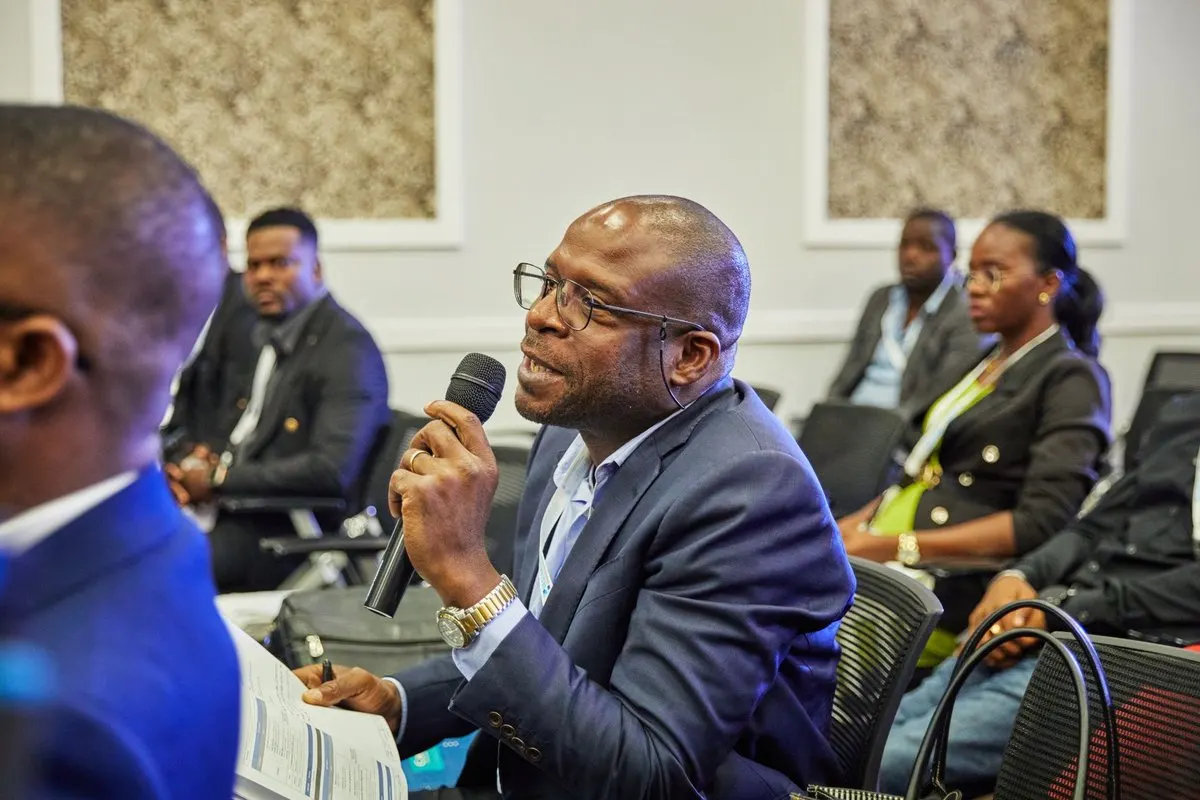
A phone that translates a sentence between two people has not necessarily solved translation for a conference. When a hundred people need to follow one speaker, you also need reliable audio capture, distribution and listener access. Choose a live translation app by the complete audience experience, then test that experience in the venue.
Identify the communication pattern first
Two people taking turns around a phone need a different workflow from a keynote with multiple listeners. A panel adds changing speakers; several rooms add concurrent sessions. Decide which pattern you are buying for before comparing brands.
Scroll the table to see every column.
| Type of service | Typical purpose | Question to ask |
|---|---|---|
| Conversation translator | Short exchanges between individuals | Can it distribute one session to the whole audience? |
| Automatic captions | Reading speech on a device or screen | Does the audience also need translated audio? |
| AI audience platform | One speaker reaching multiple listeners | Does capacity fit the programme and language direction? |
| Remote interpreting platform | Delivering a human interpreter’s channel | Are interpreters included or only the technology? |
| Professional onsite service | Human interpretation and event operation | Does the quote include equipment and technicians? |
The human interpretation, RSI and AI comparison helps separate these scopes. A lower software price does not demonstrate equivalent service to a staffed interpretation package.
Follow the sound through five layers
Start at the microphone. Can the system receive the actual stage feed, including audience questions? Next, confirm the source and target language. Then ask how the translated output is distributed and how a first-time listener starts it.
Finally, decide who supports the live session. A clear responsibility is more useful than assuming the venue technician will understand an unfamiliar service during an incident.
A QR code simplifies opening a destination; it does not improve a noisy input or verify the meaning of a translated sentence. Apple’s QR guidance explains scanning on an iPhone, but your printed code still needs testing for size, distance, contrast and the correct destination.
Use a comparison checklist with written answers
Ask each provider to specify the following:
- Whether translation is generated by AI, a human interpreter or a combination.
- Supported input connections and the exact language direction you need.
- Browser or app access, listener account requirements and headphone needs.
- Listeners per session, total minutes, session count and maximum duration.
- Simultaneous sessions and target languages per session.
- Audio and caption delivery, interruption recovery and support scope.
- Audio processing, recording and retention information in the applicable policy.
Keep those answers with the event brief. Avoid assuming that a large language catalogue means many target languages in one session, or that a high total session allowance permits several rooms to run concurrently.
Run a practical thirty-minute evaluation
Prepare a short but representative script with names, a date, a number, an abbreviation, a negation and a speaker change. Use the event microphone and input route. If you cannot access the venue yet, record that limitation and schedule the venue check separately.
Invite listeners with different devices and roles: a bilingual reviewer, someone who depends on the translation, and someone who will need access assistance. Include both iPhone and Android if those reflect your audience. Give them only the instructions you plan to publish.
Measure how long they take to start listening and where they need help. Then test a screen lock and a network change. Observe recovery rather than assuming background playback behaves identically on every device.
Ask the dependent listener to explain three ideas and the reviewer to check critical details. A fluent voice can still reverse a negation or change a number.
Scroll the table to see every column.
| Test | Record | Decision |
|---|---|---|
| Access | Time and point of confusion | Improve instructions or support |
| Main meaning | Listener’s summary | Accept, correct and repeat, or change approach |
| Details | Names, numbers and negations | Resolve consequential errors |
| Continuity | Interruptions and recovery | Adjust the setup and rehearse again |
| Team workload | People and preparation time | Include realistic staffing in the budget |
Set your acceptance criteria before testing. For example, your team might require access within two minutes and no critical error in an instruction. Those are organiser-defined criteria, not a promised product performance level.
Keep the choice proportionate to the content
AI may fit prepared informational talks after a meaningful rehearsal. Human professional interpretation deserves priority when nuance, negotiation, sensitive material or the consequences of an error demand judgement. Different portions of an event can use different approaches.
MoriahTech IA for events distributes automatic translation as audio and captions through a browser link or QR code. Listeners do not need accounts or an installed app. Each session has one target language. The arrangement still requires clear input, Internet, headphones, access instructions and an operator.
Start a rehearsal with your own event script. Use the technical checklist, then choose capacity from the programme rather than from a successful one-sentence demonstration. A small trial does not certify network behaviour at the full paid audience size.