The guide is already pointing to the next exhibit, but someone is still trying to hear what was said about the previous one. If you are running a tour in two languages, start at a stop with a good connection. Test translation there before deciding whether to extend it along the route.
Choose the first stop and set up the guide’s microphone
Pick a short explanation worth hearing in full, such as the story behind a museum exhibit or the welcome on a company tour. Ask which language the group needs. Have an operator stay at the test point with the computer, capture the guide’s voice with a close microphone, and ask another person to listen on a phone where the last visitor will stand.
Decide how to translate each part of the route
Scroll the table to see every column.
| Where | Format | What to check |
|---|---|---|
| Stop with coverage | Translate the guide’s voice live. Share the QR code before starting. | The listener hears the name of the exhibit and knows where to look. |
| Corridor or area with unreliable signal | Provide a reviewed written translation before setting off. | Visitors can open it offline or have a paper copy. |
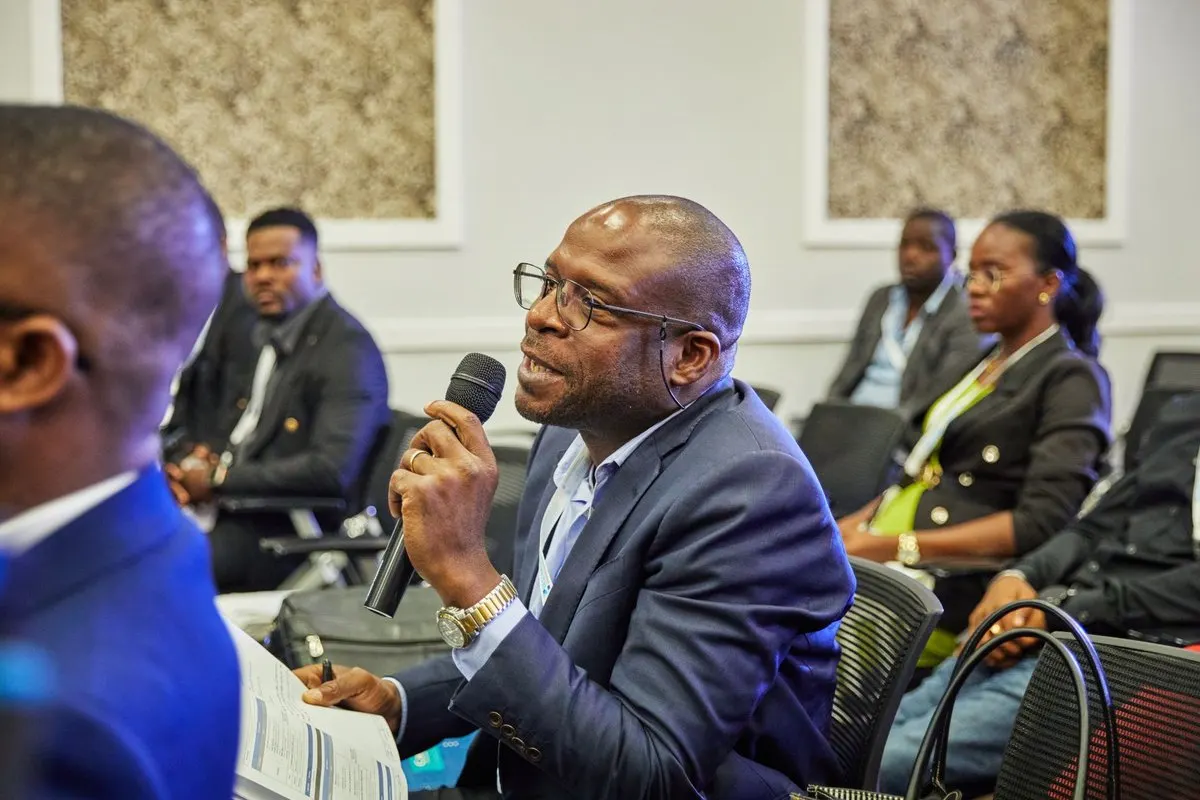
| Questions from the group | If a question is asked off mic, the guide repeats it in the configured language before answering. | When visitors hear the answer, they have also understood the question. |
Test from the back of the group
With MoriahTech IA, visitors open a link or QR code in their browser, wear headphones and need an internet connection. They can join without an app or an account. Test using the mobile data or Wi-Fi your visitors will have, then repeat in the noisiest room. Good coverage at one stop gives you evidence about that stop. If the tour includes safety instructions, provide them in translation and confirm the group understands them before entering.
What to say before the tour starts
Scan this code and put on your headphones to listen in [language]. At each stop, wait until you hear the explanation before moving on. If the sound cuts out, let us know and we’ll give you the text.
Rehearse one stop with your own phones
Create an organiser account and use the 14-day trial with no card to check one target language. Ask the listener to tell you which object is in front of them and which detail to look for. If the test works, check duration, languages and capacity before expanding. Signing up alone does not activate an event pack.
Create an account and rehearse one stop
See live translation for events