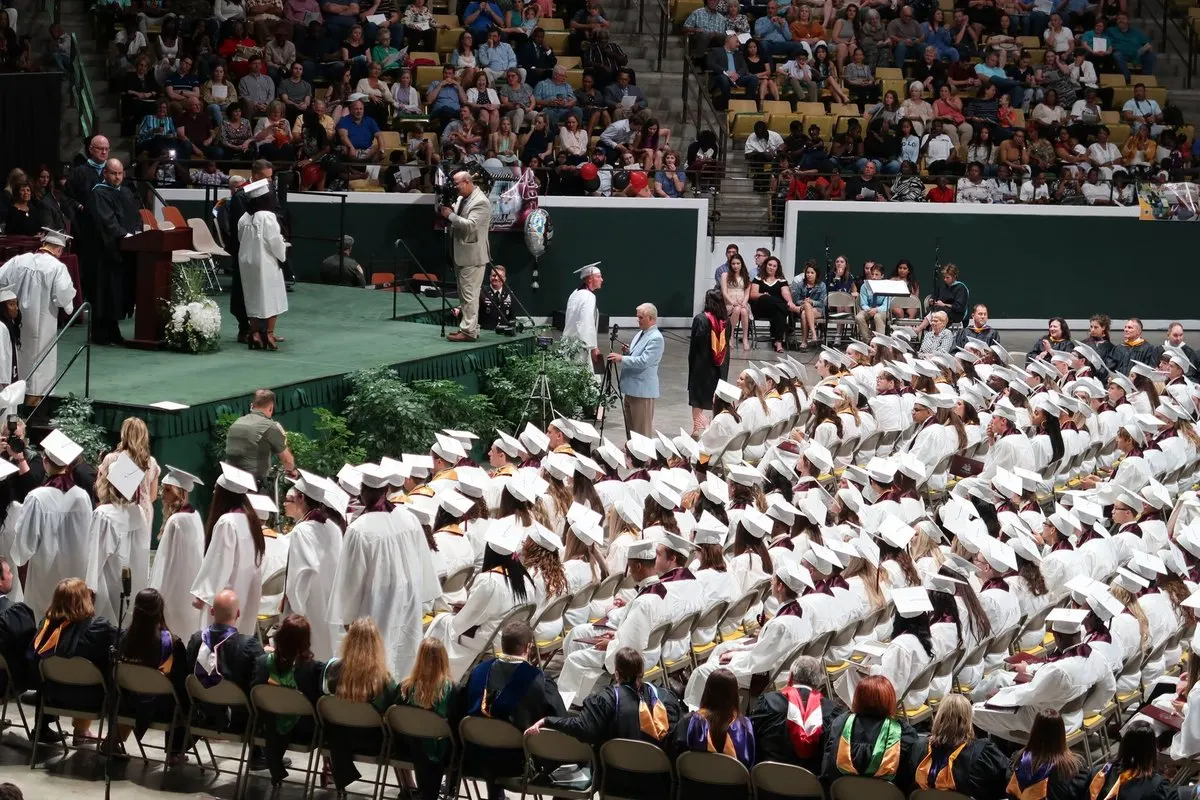
A graduate’s name rings out across the auditorium. Her family hears the applause but misses what she said in her speech. Simultaneous translation lets them follow her words from their seats. The challenge is helping them join before the first speech and keeping the audio going when the microphones change hands.
Mark the parts of the ceremony that need translation
Take the running order and mark where the voice will come from in each part. Ask speakers for scripts or outlines and agree how to pronounce names and degree titles. Keep the official list of graduates to hand and have the host read each name as agreed.
Scroll the table to see every column.
| Part of the ceremony | How to prepare |
|---|---|
| Welcome and instructions | Announce the channel and give families a moment to join. |
| Speeches and acknowledgements | Send the lectern microphone to translation and check the handheld mic as well. |
| Awarding diplomas | Follow the official list and flag any changes to the running order. |
| Closing and departure | Put photo locations and exit instructions in writing in the audience’s languages. |
If the ceremony calls for professional interpreting or specific accessibility provisions, agree them with the institution and the audience. Translated audio serves a different purpose from sign language interpreting or accessible captions. W3C’s guide recommends sending materials ahead and making sure each speaking turn is audible through the sound system.
Work out capacity from the running order
Suppose the ceremony includes 40 minutes of speeches translated into 2 languages. That uses 80 minutes of translation before rehearsal. Allow for any extra time you leave translation running. If you expect 60 people on one channel and 55 on the other at the same time, plan for 115 listeners in total, even though they are all following the same speech.
With MoriahTech IA, each channel has one target language. Check the pack’s minutes, combined listener capacity, session length and session count. A second ceremony at another time may require a separate session even when the first leaves minutes unused. For two ceremonies running in parallel, confirm the setup before buying.
See the translation packs for events
Test the experience from a family’s seat
- Use each speaker’s microphone and listen to the feed coming into the computer. Switch from the lectern to the handheld mic exactly as you will on the day.
- Have someone open their language’s QR code on a guest’s phone. They should be able to start listening through headphones from the back row. Repeat in the stands or foyer if guests will be there.
- Rehearse the speaker handover and an exit announcement with a bilingual listener. Agree who will help families and which written notice to display if the connection drops.
To hear the ceremony in [language], scan this QR code, connect your headphones and press play. For help, visit [help point] before the speeches begin.
Prepare translation QR codes for your audience
Rehearse a speech before booking a pack
Use the 14-day trial with no card to check one target language. Pick an excerpt from the programme and ask somebody to listen from the stands. Then choose a pack using the numbers for your ceremony. Creating an account lets you set up the trial. Paid pack activation is handled separately.
Check how families will hear the speeches
Create my account and rehearse a speech