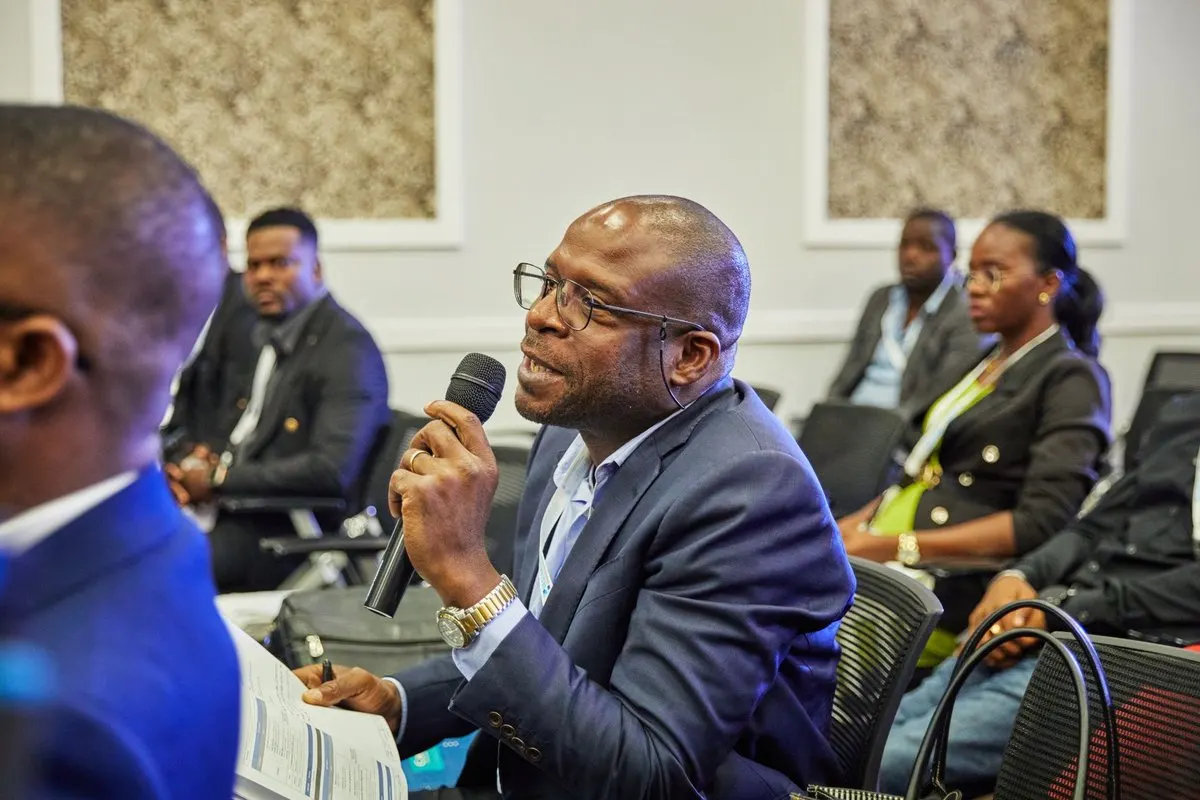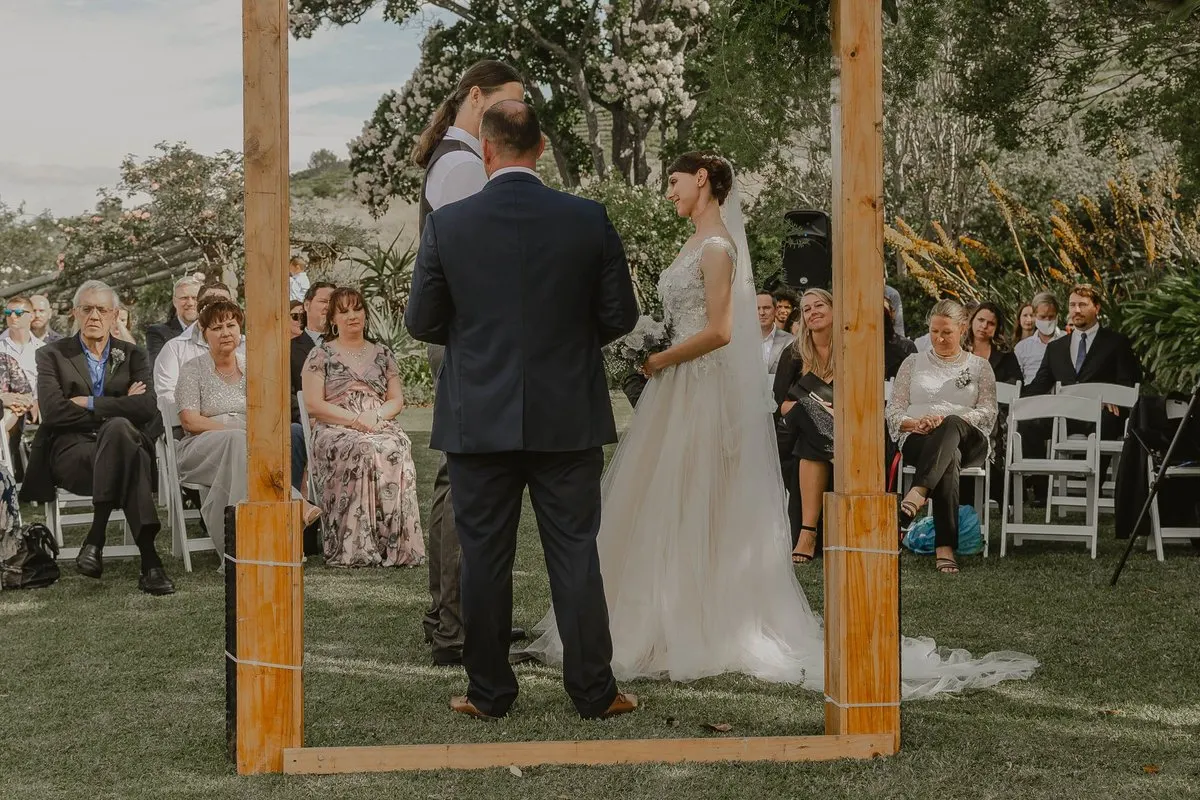
To organise live event translation, resolve three things: who produces the translation, how speech reaches them or the service, and how the audience listens. This guide turns those decisions into an operating plan and rehearsal, from a single presentation to a day with several sessions.
Start with the programme
Ask which parts need translation. A six-hour conference can contain untranslated breaks, while two one-hour parallel rooms need two simultaneous routes. Record each block and its target language.
Count active translation minutes, including introductions, questions and rehearsals. Check the maximum duration of an open session separately. Then identify peak listeners and overlapping rooms. The minutes worksheet and multi-room guide cover those calculations.
Name the operator and attendee helper. The presenter should not discover on stage that they are also expected to troubleshoot microphone permissions or find the correct listener link.
Choose the interpretation approach
Scroll the table to see every column.
| Format | When to examine it | Main preparation |
|---|---|---|
| Consecutive human interpretation | Speech can pause for interpreted turns | Time in the agenda and agreed handovers |
| Onsite simultaneous interpretation | Human judgement while the programme continues | Professionals, coordination and listening equipment |
| Remote simultaneous interpreting | Human interpreters working elsewhere | Sound, visuals, platform and connection |
| AI translation | Prepared content whose result can be evaluated | Clear input, language test, access and supervision |
RSI does not mean AI. If wording, sensitivity or consequential decisions require human judgement, discuss the assignment with qualified professionals. The format comparison explains the distinction.
Check capacity against every requirement
MoriahTech IA offers one target language per session. A session with English as target does not let each attendee select another destination independently. Confirm additional simultaneous language requirements before buying.
For a hypothetical programme of three sequential hundred-minute sessions and two hundred listeners, the total is 300 minutes. The current Conference pack includes 360 minutes, three sessions, up to 250 listeners per session and one simultaneous session. It fits those assumptions; it does not fit two parallel rooms or an added fourth session.
Use the current event selector to compare all limits and prices. Paid event packs require request, payment and validation and remain valid for three months from activation. Registration alone does not activate them.
Connect the actual speech source
Work with the technician to identify the microphone, mixer output and operator input. Depending on the equipment, that may be a supported USB connection or a compatible line output and audio interface. Record the specific devices and connections rather than treating a brand name as proof of compatibility.
Select the intended input in the operating system or browser and grant microphone permission. Confirm the received voice without clipping. A local input meter only tests part of the route; it does not demonstrate translation delivery.
Use a speech-focused feed, including the host and audience microphones. Keep unnecessary music and translated return audio out of it. Do not connect an amplified speaker output to an input that expects microphone or line level; have the technician confirm the arrangement.
Prepare network and listener access
Test the operator connection and guest connectivity in the actual locations. Confirm power, phone battery and headphone compatibility. Check whether guest Wi-Fi needs a sign-in step.
Prepare the public QR code and written listener link with room and target-language labels. Do not distribute the private operator address. Open the link on another device without the operator’s login.
MoriahTech IA listeners use the browser without an account or installed app. They still need to activate playback. Tell them about headphones in advance and keep someone available to help. Use the QR communication templates for the event instructions.
Run a complete rehearsal
- Start an actual rehearsal session with sufficient available capacity. Local microphone monitoring alone does not test the service.
- Join from another phone in the audience, connect headphones and start listening.
- Read representative content with names, a number, a negation and a longer sentence. Have a bilingual reviewer check meaning.
- Test every speaking microphone, a pause and resumption, and the expected speaker changes.
- Check a recoverable listening interruption and make sure the helper knows the response.
- Test the final printed code and its written-link alternative, then finish the session explicitly.
Use authorised, non-sensitive material for the technical rehearsal. Review the applicable service privacy information before sending sensitive content; do not infer data handling from the fact that listening takes place in a browser.
Adapt the test to the format
A conference needs questions and moderation in the audio route. Parallel rooms need independent inputs and correctly labelled sessions, tested together at the required concurrency. A ceremony needs its actual readers, names and personal wording reviewed appropriately. A recurring service needs a routine that another volunteer can reproduce.
For hybrid events, include a listener outside the venue using the real video stream and translation link. Their experience can reveal a delay or access problem that the onsite operator cannot see. The hybrid guide details that arrangement.
Decide whether the event is ready
Do not reduce readiness to “the page opened”. Confirm clear input from all intended microphones, the correct language and link, usable listening in the tested locations, preserved meaning and sufficient active capacity.
Resolve important failures before opening the service to the audience. Write the fallback message and who can invoke it. If the equipment, network or programme changes, repeat the affected checks.
During the event, monitor the first sentences and microphone handovers. At the end, finish the session in the panel and check its state; closing a browser tab is not a substitute for an explicit finish.
Create your event rehearsal and use the printable preparation checklist. The free trial has its own limits, including one simultaneous session and twenty-five listeners per session, so plan full-audience and parallel-room checks separately.