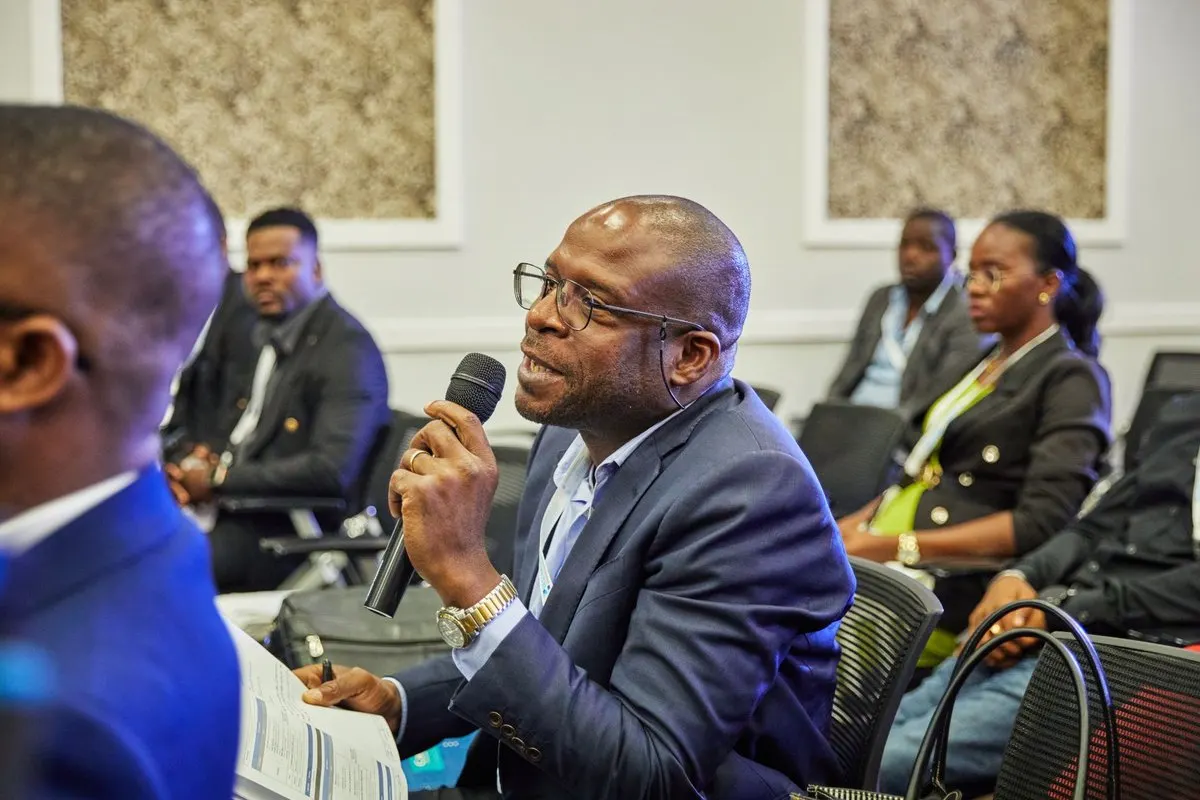
The trainer finishes explaining the exercise. Half the room starts working while several people watch their phones to finish understanding the instructions. By the time they raise a hand, the group has moved on. A workshop can have translation and still leave participants behind.
Live translation for training needs to coordinate the trainer’s voice, questions and working materials. With MoriahTech IA, you can prepare a session and share a QR code or public link so attendees follow translation in their browsers. How you organise the workshop determines whether hearing an explanation becomes being able to complete the task.
Each language uses minutes: one hour in two languages uses 120 minutes. All channels share the service audience limit. Event, Conference and Congress include 2, 3, 4 languages respectively and one active source. Extra language slots cost €19 per month on monthly plans only, up to four languages in total, and add no minutes or listeners. A pending request does not activate capacity.
Decide whether the format fits
This guide covers business courses and practical workshops with one main speaker: introducing software, sales training or a planning workshop, for example. It is not about courses that teach professional interpreting.
A trainer who explains and then takes questions provides a manageable route to rehearse. Four groups speaking at once need different arrangements: one audio source does not represent four independent conversations. Define which voices each listener must receive.
See event translation for the service options. Where misunderstanding could cause harm, sensitive content is involved or assessment has important consequences, arrange the review and professional support appropriate to the situation.
Build a programme everyone can follow
You may not need to repeat every explanation aloud in both languages if attendees can hear the translation. You still need to give them time to receive it before acting. This is a planning framework, rather than a list of built-in features.
Scroll the table to see every column.
| Block | Organisation | Check |
|---|---|---|
| Explanation | One microphone voice and one idea at a time | The complete instruction arrives |
| Demonstration | Name visible buttons, fields and steps | Speech corresponds to the screen |
| Exercise | Reviewed written instruction and time to start | Everyone attempts the same task |
| Questions | Turns and a shared microphone | Each contribution reaches the feed |
| Discussion | Identify the speaker before responding | Participants understand the answer |
Ask which languages people need for listening and reading. An international group does not necessarily share a second language. Check phones, connections and headphones, and arrange an alternative for anyone who cannot use them.
Prepare terminology and materials
Identify the terms that determine the exercise: product names, abbreviations, form fields and actions such as “save”, “send” and “delete”. Prepare a reviewed bilingual reference sheet with the exact labels visible on screen.
That sheet is a resource for people. It does not imply that the platform supports glossary uploads or guarantees a fixed translation for each term. Rehearse the trainer’s voice using those words and ask a bilingual person to check the result.
Replace “click there” with “open Reports and select Sales”. Keep figures and codes visible while reading them clearly. Translate and review slides and written exercises separately: distributing translated speech does not automatically translate documents.
Set up speech and attendee access
- Choose source and target languages. MoriahTech IA’s catalogue includes Romanian, Spanish, Catalan, English, French, Portuguese, Italian and German. A language channel has one target language. Check capacity and configuration for simultaneous targets.
- Prepare a clear voice input. Test the microphone and selected input on the operator’s device. Sound through the room speakers does not prove the computer receives the intended feed.
- Share public access. Show the target language beside the QR code and provide an alternative link. Attendees open a browser, connect headphones and start playback without an account or app installation.
- Listen from another device. Follow the attendee route without the operator’s account open. Check speech, subtitles and connectivity from the workshop tables.
- Explain the turns. Show how to ask a question, where the microphone is and who can help with access.
The QR access guide covers signage and joining. The WiFi guide helps test the network with the devices you will use.
Handle questions in the other language
A workshop needs more than a channel from the stage. If the main explanation goes from Spanish to English and someone asks a question in English, do not assume the same session automatically translates it back into Spanish.
Agree on a procedure: a bilingual facilitator can collect the question and put it to the trainer in the trainer’s language. The trainer replies through the usual microphone so the answer reaches translation. Consult and rehearse a different arrangement if your group needs one.
Let one person speak at a time. Repeat any question that did not reach the feed into the microphone. The bilingual meeting Q&A guide develops this process. Translation has a delay: let listeners receive the answer before changing slides or starting the exercise.
Test comprehension through an observable task
“I can hear it” is not enough. Use a short exercise without real customer data. In software training, for example, ask participants to create a draft with a particular amount and leave it unsent.
Enter the demonstration account. Create a draft for Example Customer with an amount of 120 euros. Save it as a draft. Do not press Send. When finished, tell the trainer where you saved it.
This is an invented rehearsal example. Ask two participants to complete it using translation. Check four details: demonstration environment, amount, saving and the negative instruction. If someone sends the document, investigate what they understood before attributing the error to attention.
The W3C WAI captions guide explains that recognition errors, such as missing a negative word, can change meaning. This supports checking instructions; it does not certify any platform’s output.
Record the original, what was received and the action taken. Review vocabulary with a bilingual person, fix the phone route if access fails or correct the input if original speech is unclear. Repeat the same task after each change.
Count programme and rehearsal capacity
Hypothetical example: three 20-minute explanation blocks and 15 minutes of questions give 75 planned translation minutes. Independent exercises are excluded only if translation really is inactive during them. Add rehearsals and a margin; do not assume consumption pauses automatically.
Event packs have separate minute, session, duration, audience and concurrency limits. The smallest starts at €69 with 300 minutes, one session, up to 100 listeners and one concurrent session. Its session duration ceiling is 180 minutes, but that does not add minutes to the balance. Check current packs and conditions, including their request and validation process, before finalising the budget.
To test first, the no-card trial offers 14 days, 180 total minutes, three sessions, up to 120 minutes per session, 25 listeners per session and one concurrent session. It includes one technical check of up to five minutes using minutes without counting as a session. A small rehearsal does not validate the network with a hundred attendees.
Start with the trainer and two participants. If they can join, follow the explanation and complete the correct task, you have useful evidence for the next decision.